Clear Magnetic Wireless Charging Pad for iPhone & Apple Watch
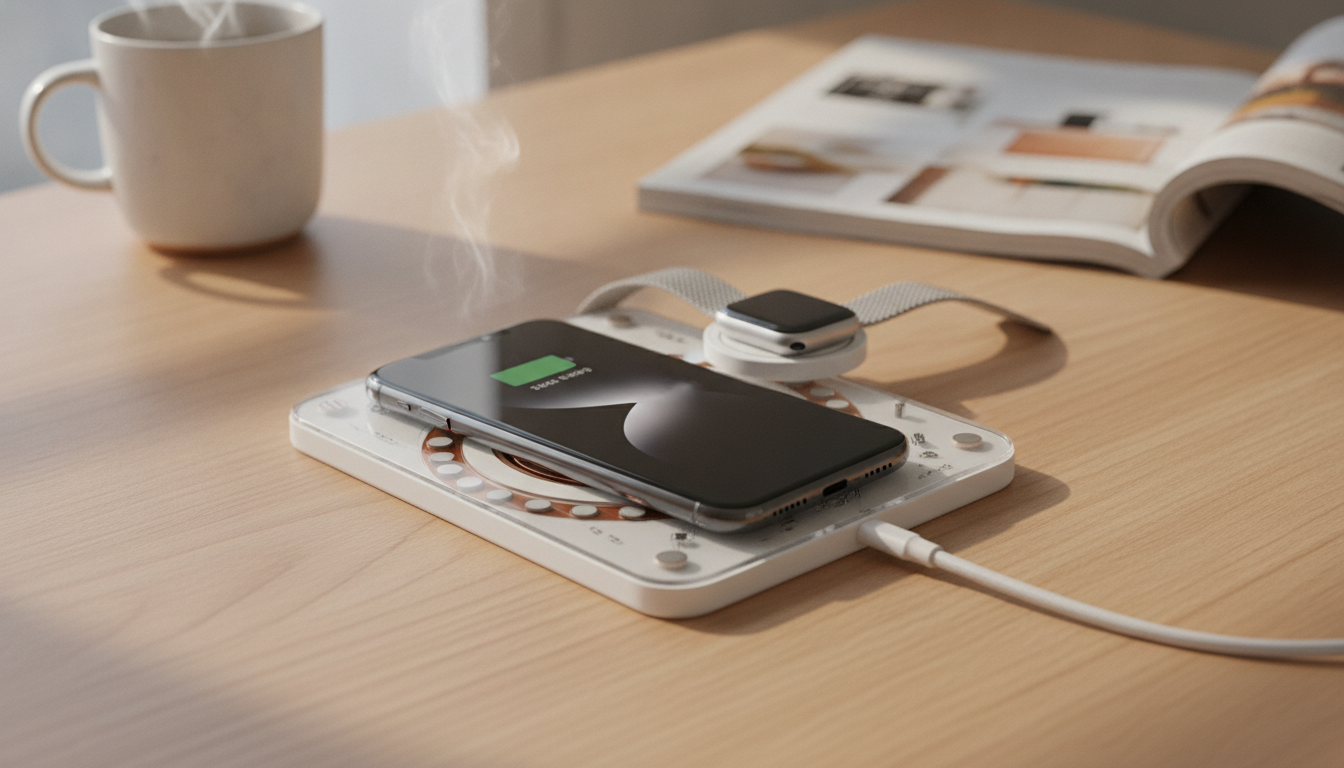
Transparent Magnetic Wireless Charging Pad for Apple Watch & iPhone Devices
A clean, see-through charging pad can keep an Apple setup looking tidy while making daily charging easier. This transparent magnetic pad is designed for quick alignment, stable placement, and a minimal footprint on a nightstand, desk, or travel kit. The clear body blends in visually, while the magnetic alignment concept helps reduce the daily “shuffle” that sometimes happens with standard wireless chargers.
What It Is and Where It Fits
The Transparent Magnetic Wireless Charging Pad for Apple Watch & iPhone Devices is a compact charging solution made to sit neatly where charging naturally happens—next to the bed, on a work desk, or by the front door as a shared drop zone. Its transparent design keeps the look modern and minimal, especially alongside Apple hardware and clean cable management.
- Designed for everyday surfaces: desk, nightstand, entryway table, or a shelf near your keys.
- Magnetic alignment idea: helps keep compatible devices centered on the charging area for fewer misalignments.
- Clear, modern aesthetic: a “floating” look that pairs well with Apple devices and minimalist setups.
- Great for routines: bedside overnight charging, daytime top-ups, travel backup, or a shared family charging spot.
Key Features to Look For
Wireless charging performance often comes down to alignment, stable power, and heat control. When evaluating a transparent magnetic pad, these are the practical details that tend to matter most in daily use.
- Magnetic hold strength: helps keep devices stable when notifications buzz or the desk gets bumped.
- Charging stability: consistent contact and positioning can reduce “start/stop” charging behavior.
- Surface and build: smooth edges, scratch resistance, and a base that stays put on a hard surface.
- Cable and power requirements: strong results typically depend on a quality USB power adapter (often sold separately).
- Heat management: give the pad airflow; avoid thick fabric surfaces while charging.
Quick Compatibility and Setup Checklist
| Check | Why it matters | What to do |
|---|---|---|
| MagSafe/Qi support on iPhone | Ensures the phone can charge wirelessly and align properly | Confirm the iPhone model supports wireless charging; use a MagSafe-compatible case if needed |
| Apple Watch charging method | Apple Watch requires a dedicated watch charging interface | Verify the pad supports Apple Watch charging and aligns securely |
| Power adapter output | Low-watt adapters can cause slow or inconsistent charging | Use a reputable adapter with sufficient wattage for wireless charging |
| Case thickness/material | Thick or metal cases can reduce charging efficiency | Remove overly thick cases; avoid metal plates or magnetic rings that interfere |
| Placement | Uneven surfaces can disrupt alignment | Set on a flat, hard surface; keep keys/coins away from the charging zone |
Daily Performance: What to Expect
This style of pad is best for convenience—easy drop-and-charge moments during the day and a consistent overnight routine. Magnetic alignment reduces the need to “hunt” for the charging sweet spot, which is especially helpful on a busy nightstand where you might place your phone one-handed.
For more background on how alignment and standards affect charging, see Apple’s overview of MagSafe for iPhone and the Qi wireless charging standard.
How to Set It Up for Reliable Charging
- Power first: connect the pad to a quality power source before placing devices on it.
- Align the iPhone: center it on the magnetic area and confirm the charging indicator appears.
- Align the Apple Watch: place it flat and secure; confirm the watch charging icon appears (Apple’s guidance is available on how to charge Apple Watch).
- If charging starts and stops: remove the case, reposition, then try a higher-quality adapter or cable.
- Keep the surface clear: remove metal objects (coins, keys, rings) from the charging zone.
Care, Safety, and Longevity Tips
Product Snapshot and Related Accessories
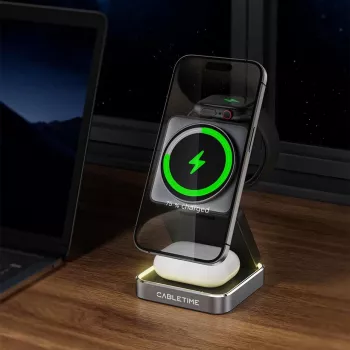
- Transparent Magnetic Wireless Charging Pad for Apple Watch & iPhone Devices (USD 4.97): compact, minimal, and designed for easier alignment.
- Durable Tactical Nylon Strap for Apple Watch Ultra 2 & Series (USD 3.51): a tougher, sport-friendly band option for daily wear.
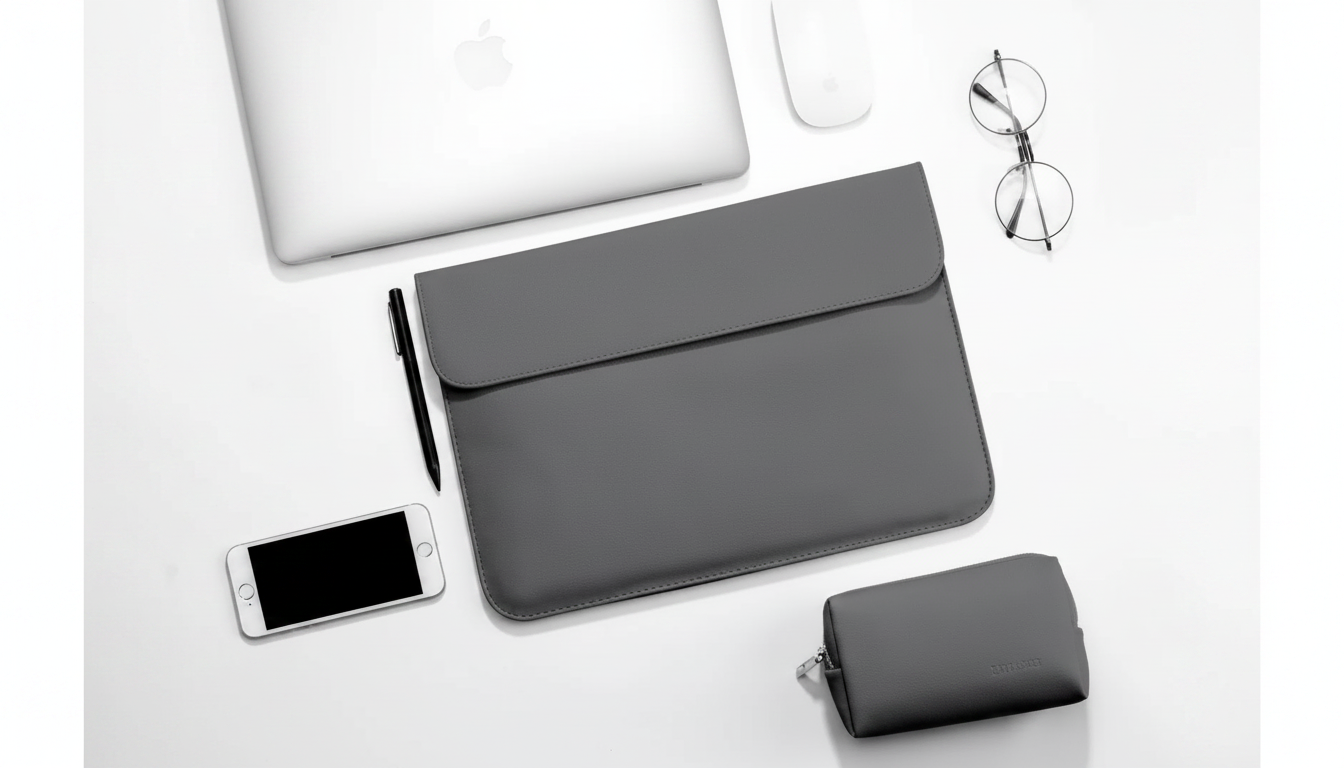
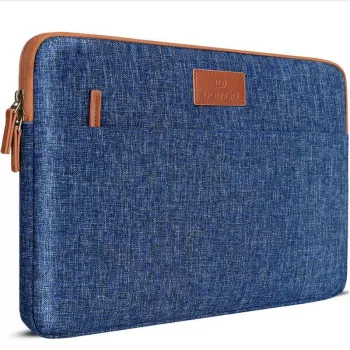
- Laptop Sleeve for Apple MacBook Air Pro 13-16 Inch, Canvas Case Cover (USD 14.51): helps protect a MacBook from scuffs and bumps while commuting or traveling.
- Leather Keychain Holder for Apple AirTag with Protective Cover and Key Ring (USD 6.51): a simple way to keep keys or a bag trackable with added protection.
Available Items to Pair with a Minimal Apple Setup
| Item | Best for | Price |
|---|---|---|
| Transparent Magnetic Wireless Charging Pad for Apple Watch & iPhone Devices | Everyday charging at desk or nightstand | USD 4.97 |
| Durable Tactical Nylon Strap for Apple Watch Ultra 2 & Series | A tougher, sport-friendly watch band option | USD 3.51 |
| Laptop Sleeve for Apple MacBook Air Pro 13-16 Inch, Canvas Case Cover | Scratch and bump protection for commuting and travel | USD 14.51 |
| Leather Keychain Holder for Apple AirTag with Protective Cover and Key Ring | Keeping keys or bags trackable with added protection | USD 6.51 |
FAQ
Will a phone case interfere with magnetic wireless charging?
Thin, MagSafe-compatible cases usually work well and keep alignment predictable. Very thick cases, metal plates, or certain stick-on rings can reduce efficiency or prevent charging entirely.
Why does wireless charging start and stop on a charging pad?
The most common causes are poor alignment, an underpowered adapter, a worn cable, excess heat, or a case that blocks the connection. Re-center the device, try a stronger adapter/cable, and remove thick or metal accessories to stabilize charging.
Is it safe to leave an iPhone or Apple Watch on a wireless charger overnight?
Modern iPhones and Apple Watches manage charging to reduce overcharging risk, so overnight charging is generally normal. Use a reputable adapter, keep the pad on a hard surface for airflow, and avoid covering it with fabric to help manage heat.









Leave a comment