Bluetooth Keyboard iPhone Compatibility: What to Know

Do all Bluetooth keyboards work with iPhone?
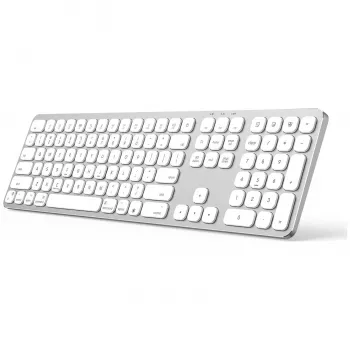
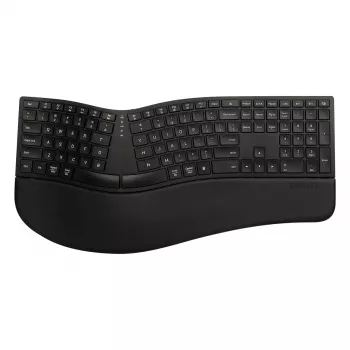
Not all Bluetooth keyboards work with iPhone equally well, but many do. iPhones support external keyboards through Bluetooth, yet real-world compatibility depends on the keyboard’s Bluetooth version, how it handles pairing, and whether it follows standard HID (Human Interface Device) behavior. Most modern Bluetooth keyboards from well-known brands connect and type without extra apps, while older models or specialty keyboards may have quirks.
What to expect when a Bluetooth keyboard does work
When compatibility is good, pairing is simple: put the keyboard in pairing mode, go to iPhone Settings > Bluetooth, select the keyboard, and confirm any on-screen code. Basic typing, arrow keys, and common shortcuts usually work. Some iOS-specific shortcuts (like Command-based navigation) may vary by keyboard layout, and function keys can behave differently depending on whether the keyboard is designed with iPad/iOS in mind.
Common reasons a Bluetooth keyboard won’t work with iPhone
Problems typically come from one of these situations: the keyboard uses a non-standard Bluetooth profile, it’s too old or has outdated firmware, it’s meant for a proprietary receiver rather than direct Bluetooth, or it’s already paired to another device and won’t switch cleanly. Low battery can also cause failed pairing or random disconnects that look like “incompatibility.”
How to choose a Bluetooth keyboard that’s more likely to be compatible
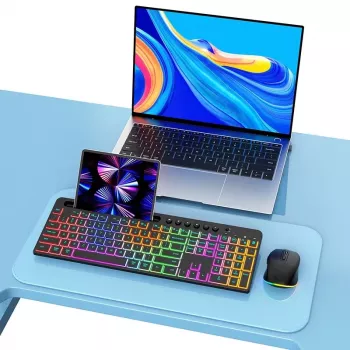
Look for a keyboard that explicitly lists iOS/iPadOS support or mentions Bluetooth HID. Multi-device keyboards with a dedicated iOS mode tend to be smoother, especially for switching between an iPhone and a laptop. If you’re shopping, prioritize current-generation Bluetooth (and reputable sellers) to reduce connection and latency issues.
For a deeper breakdown of compatibility, troubleshooting, and what to check before buying, see the full guide: https://topproductsmart.shop/do-all-bluetooth-keyboards-work-with-iphone/.
FAQ
Can I use a Bluetooth mouse with iPhone?
Yes. iPhone supports Bluetooth mice through Accessibility settings (AssistiveTouch), and most standard Bluetooth mice work for pointing, clicking, and scrolling.






Leave a comment